Minecraft 26.2 Snapshot 1: Why Does the Game Need Vulkan and What Will Happen to OpenGL?
- Android: 8,0+🕣 Updated
- CategoryInstructions
![Minecraft 26.2 Snapshot 1: Why Does the Game Need Vulkan and What Will Happen to OpenGL?]()

Hello, miners and builders! If you follow Minecraft Java Edition updates, you’ve likely noticed the major event in the new 26.2 Snapshot 1. Mojang developers have taken a significant step in modernizing the game — they’ve added support for the Vulkan graphics API. For years, the game has run exclusively on OpenGL. Let’s explore why the developers are changing the engine, how it will impact performance, and what’s in store for your favorite mods.
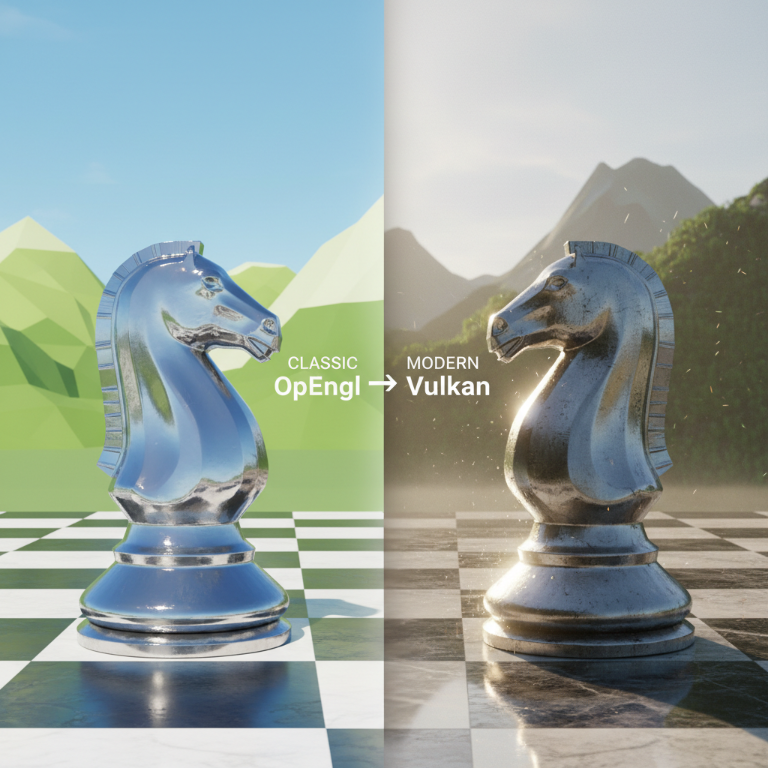
Why Is Mojang Saying Goodbye to OpenGL?
Since its release in 2009, Minecraft Java Edition has relied on OpenGL. This interface performed its job well, enabling the game to run on Windows, macOS, and Linux. However, time takes its toll.
The main issue lies in the age of the technology. OpenGL stopped receiving updates about nine years ago. Moreover, Apple declared this technology obsolete on macOS and plans to completely discontinue its support in the future. For developers, maintaining old code and implementing modern visual effects has become increasingly difficult.
To ensure the game continues to run smoothly across all platforms and can delight us with new graphics (Vibrant Visuals project), the studio needed a modern, powerful, and flexible tool. That tool is Vulkan.
Vulkan vs OpenGL: Who Wins?
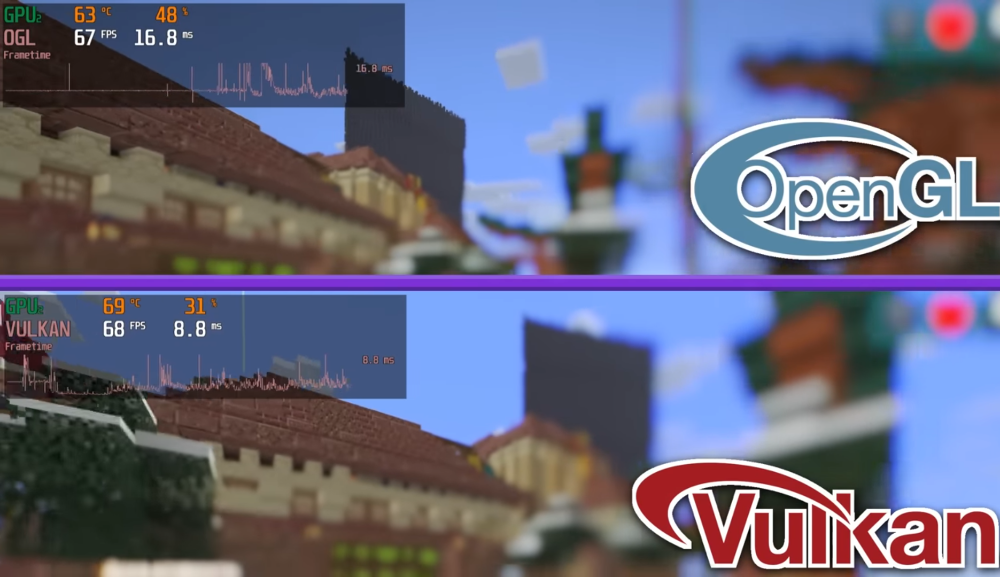
The new system is already available for testing. By default, the new snapshot runs the game on Vulkan, but you can switch back to OpenGL in the video settings. How do these two APIs perform in practice?
Advantages of Vulkan:
- Explosive FPS Boost: In initial tests, Vulkan shows excellent results. On medium graphics settings, players see an increase of up to 100 frames per second compared to OpenGL.
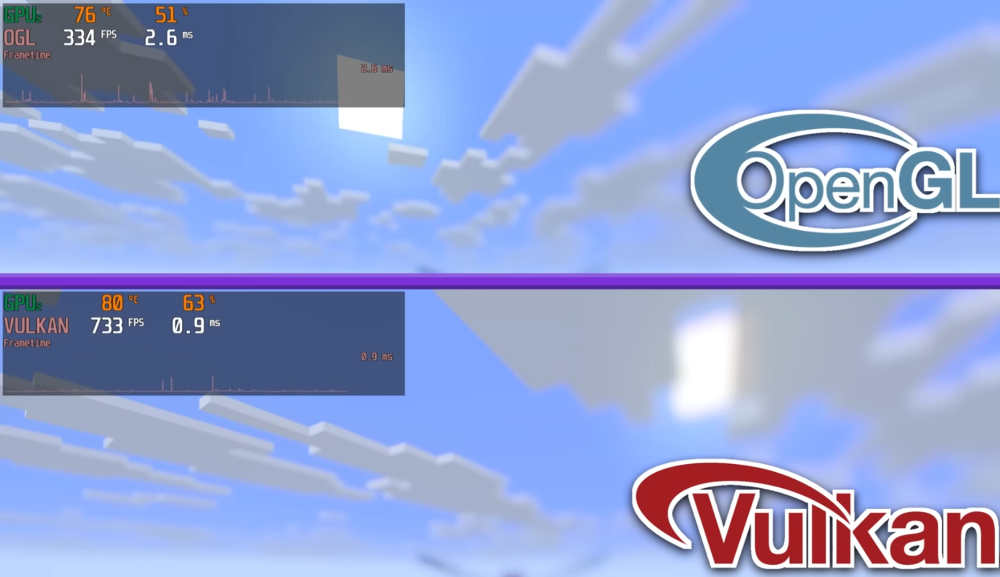
- Smoother World Loading: The new API distributes computer resources much more efficiently. You’ll notice fewer micro-freezes and stutters when generating new chunks during flight or fast running.
- Support for Modern Devices: Vulkan works perfectly on modern graphics cards for Windows and Linux, and on macOS, it runs through a special translation layer without losing speed.
The Strength of OpenGL:
- Absolute Stability: Over 15 years, developers have polished OpenGL’s code to perfection. If Vulkan produces graphical artifacts on your system, the trusty old OpenGL is always ready to step in.
What Does This Mean for Players and Modders?
Regular players will enjoy smoother gameplay and higher FPS as soon as the full release is out. For now, during the snapshot phase, you’re simply helping to test the new technology. If bugs arise — feel free to switch back to the old renderer.
However, for mod creators, challenging times are ahead. Many popular mods use OpenGL commands to render interfaces, items, and effects. Transitioning to Vulkan will require authors to rewrite a significant portion of their code. In the coming months, some mods may temporarily stop working while their creators adapt to the new system. Mojang developers have already opened special communication channels to assist modders in this challenging process.
The Future of Graphics in Minecraft
The transition to Vulkan is the foundation for a global visual update of the Java Edition. Once the new API proves its stability, OpenGL will be completely removed from the game. This will free developers to implement advanced lighting, new shaders, and optimizations that will make the cubic world even more beautiful.
We are on the brink of a new era of graphics in Minecraft. Vulkan technology opens up enormous opportunities for the game’s performance and visual aspects.
Have you had a chance to test 26.2 Snapshot 1 yet? Did you notice an FPS boost on your computer, or are you still loyal to the stable OpenGL? Share your results and thoughts on the future of Minecraft graphics in the comments!
- publishedMceadmin
(Google Ads) Privacy Policy and Terms of Use


![Chicken Gun [Null's]](/uploads/mini/scroll-rel/63/1693986698_icon.png)