Minecraft Snapshot 26.1.5: Improved Game Rule Search
- Android: 8,0+🕣 Updated
- CategoryInstructions
![Minecraft Snapshot 26.1.5: Improved Game Rule Search]()

The latest update for Minecraft Java Edition, Snapshot 26.1.5, introduced many exciting new features, including adorable aquatic mob babies and the magical golden dandelion. However, among these standout additions lies a small but very important improvement that server administrators and players who enjoy fine-tuning their worlds will greatly appreciate. This is the updated game rule search function. Let’s dive into what has changed and why it’s so convenient.
Goodbye Manual Scrolling: Reasons for the Change
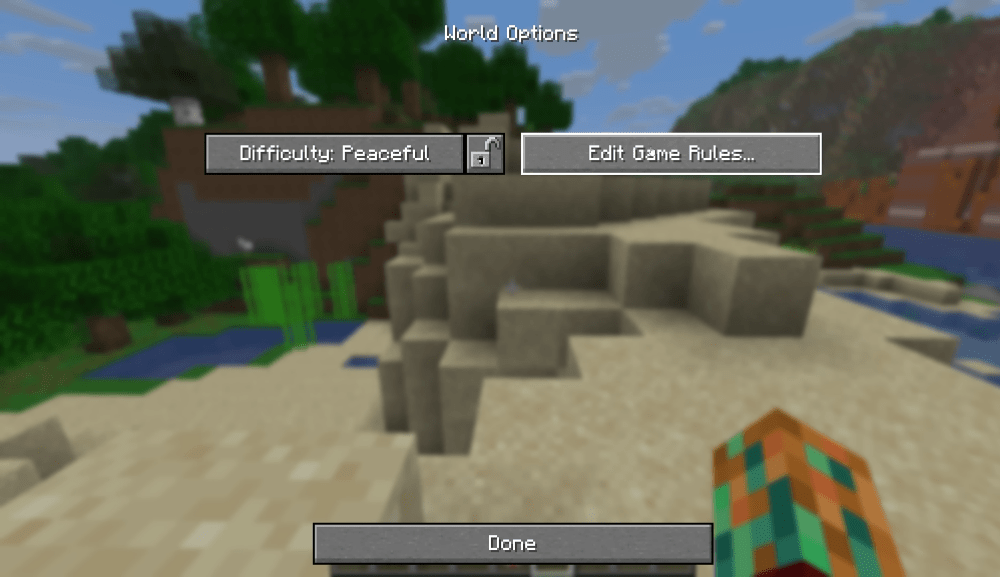
Previously, to find a specific game rule (gamerule), you either had to know its exact official name (e.g., doInsomnia or keepInventory) or scroll through the entire list. For experienced players, this wasn’t an issue, but for newcomers and those who rarely accessed this menu, it often took time. If you couldn’t remember the exact name but knew the rule was related to "phantoms" or "inventory retention," the search was useless. Mojang’s developers listened to the community’s feedback and decided to make this tool more intuitive and user-friendly for all types of players.
How the New Search System Works
With the release of Snapshot 26.1.5, the search bar in the game rule menu has become much smarter. It now searches for matches not only by the rule’s name but also by its description and category.
What does this mean in practice?
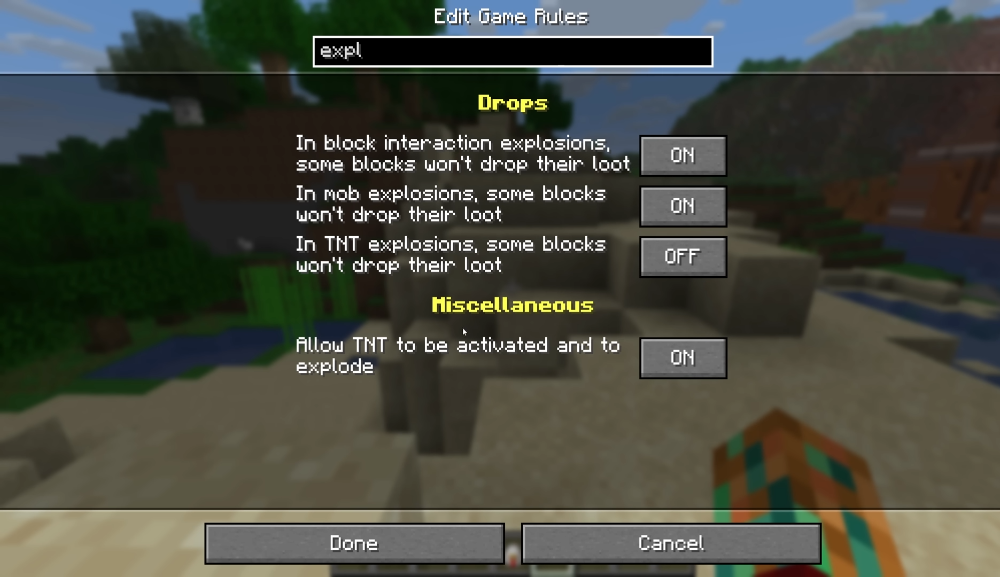
- Search by Description: Want to disable phantom spawns but forgot the rule name doInsomnia? Just type "phantom" into the search bar, and the system will immediately show you the correct rule.
- Search by Category: Looking for rules related to mobs? Type "mobs," and you’ll see all relevant options, such as spawnRadius or forgiveDeadPlayers.
- Convenience for Everyone: This improvement significantly simplifies the world customization process. You no longer need to memorize dozens of commands or consult the wiki. Now, just describe what you want to change in your own words, and the system will likely understand you.
This seemingly small change drastically improves the user experience, making world customization more accessible and faster.
Impact on Players and Administrators
For regular players, this means more freedom to experiment with world settings without needing to memorize complex commands. Now, anyone can easily find and modify parameters related to day-night cycles, loot drops, or mob behavior.
For server administrators, this improvement is a true gift. Managing a server often requires quick adjustments to multiple rules, and the ability to instantly find what you need using keywords saves valuable time and reduces the chance of errors.
Share Your Impressions!
The game rule search update in Snapshot 26.1.5 is a great example of how Mojang continues to refine even the smallest details of the game, making Minecraft even more user-friendly and enjoyable. This change, along with the new version structure and other features, demonstrates attention to the community’s needs.
Have you tried the new search function yet? What other interface improvements would you like to see in future updates? Share your thoughts in the comments!
- publishedMceadmin
(Google Ads) Privacy Policy and Terms of Use


