Sudden Update: All Details on Minecraft Java Edition 26.2 Snapshot 2
- Android: 8,0+🕣 Updated
- CategoryInstructions
![Sudden Update: All Details on Minecraft Java Edition 26.2 Snapshot 2]()

Greetings to all builders and explorers of cubic worlds! The developers at Mojang have prepared a little surprise for us. Just a few days after the release of the first test version, the studio unexpectedly launched Minecraft 26.2 Snapshot 2. Let’s dive into why this update came out so quickly, what important changes it brings, and how they will affect your gaming experience.
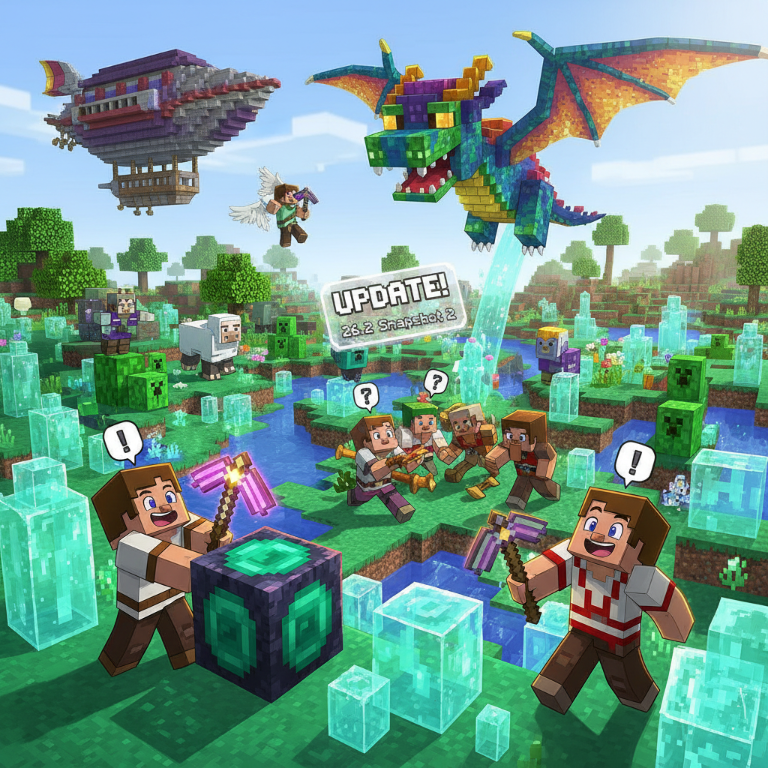
Why were the developers in such a hurry?
The main reason for this rapid release lies in the critical bugs of the previous snapshot. The first test version of 26.2 introduced many exciting new features but also caused serious stability issues.
Many players experienced crashes before even reaching the main menu, as well as critical failures when using the new graphics API. To ensure we can comfortably test upcoming features without constant freezes, the Java Team urgently prepared this patch.
What changed? Optimization and new technical details
Although this update focuses on bug fixes, it includes a couple of important gameplay improvements.
First, the developers significantly sped up the process of converting old saves. If you have worlds created before version 26.1, transferring them to the new version will now take much less time. This is great news for those who have been developing the same map for years.
Second, the debug screen (accessed via the F3 key) has been updated. Previously, the fps line only displayed basic information about vertical synchronization (vsync). Now the system is more transparent. You can see the specific frame display mode, such as mailbox or fifo relaxed. This will help tech-savvy players better adjust graphics for their monitors.
Critical fixes: Saving dolphins and fixing Vulkan
The main focus in Minecraft 26.2 Snapshot 2 was on stability. Here are the major issues that have been resolved:
- Vulkan rendering issues: The Vulkan graphics backend caused numerous crashes. The game might not open at all, and some graphics cards would throw errors. Additionally, the exclusive fullscreen mode setting didn’t work with Vulkan. All these issues have now been fixed.
- Shader-related freezes: Launching the game with incompatible resource packs that modify base shaders no longer causes "softlocks" (dead freezes). A bug where shaders on Vulkan would only load after a full game restart has also been fixed.
- Background processes: Have you ever closed Minecraft, only to find it still running in the task manager and consuming memory? The issue with non-terminating processes has finally been resolved.
- Strange mob behavior: A funny yet sad bug where dolphins would drown on their own if no players were nearby has been fixed.
Impact on players
For the average Minecraft fan, this snapshot means a return to stable gameplay. You no longer need to fear random crashes while experimenting with graphics settings. Transitioning to new versions will be smoother, and the technical side of the game more predictable.
Don’t forget the golden rule of testing: snapshots can damage your saves. Always back up your favorite worlds or run test versions in a separate folder.
Time to discuss!
The Mojang team continues to actively polish the game engine, and the transition to new graphical standards is definitely paying off.
Have you already tried the new graphics renderer? Did you notice performance improvements when converting old worlds, or perhaps you’re one of those who personally witnessed drowning dolphins? Share your impressions of Minecraft 26.2 Snapshot 2 in the comments below. We’re eager to hear your thoughts!
- publishedMceadmin
(Google Ads) Privacy Policy and Terms of Use


